Every writer knows the struggle—you finish a draft, but the formatting is a mess. Extra spaces everywhere. Duplicate words sneaking in. HTML tags lingering from copied web content. You spend more time cleaning up than actually writing.
We built Duplicate Words Finder to solve exactly this problem. What started as a simple duplicate word checker has grown into a full suite of free text tools that handle the tedious cleanup work, so you can focus on what matters: your ideas.
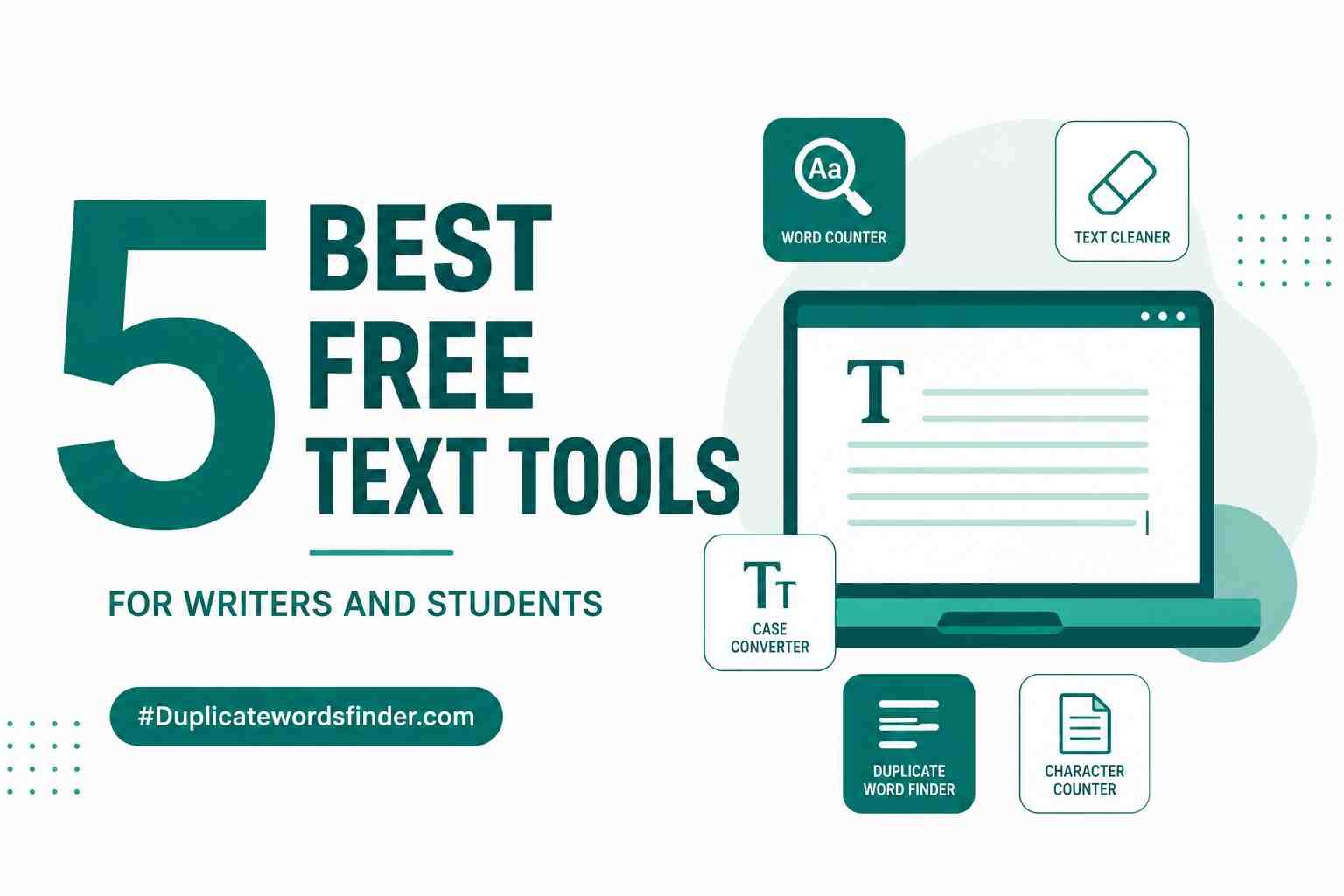
Here are the five tools our users rely on most—and yes, they're all completely free, with no signup required.
1. Clean Text Formatter
Best for: Fixing everything at once.
You paste text from a PDF. It brings along weird line breaks, double spaces, random tabs, and formatting ghosts you can't even see. Instead of fixing each issue manually, the Clean Text Formatter applies multiple corrections in one click.
It normalizes spaces, trims whitespace, removes empty lines, converts tabs to spaces, fixes punctuation spacing, and even strips HTML tags. There's a preset for general cleanup, another for HTML content, one for code and data files, and one specifically for email formatting. Choose a preset or toggle individual options—whatever fits your workflow.
Use it when: You have messy text from multiple sources and just want it clean without spending 20 minutes on find-and-replace.
2. Word Counter with Reading Time
Best for: Hitting word counts and estimating read time.
Students have assignment word limits. Blog writers have SEO targets. Social media managers have character restrictions. The Word Counter gives you real-time counts for everything: words, characters with spaces, characters without spaces, sentences, paragraphs, and even syllables.
But the feature people actually love? The reading time estimate. It tells you whether your piece is a quick read (under 3 minutes), a medium read, or a long-form deep dive. There's also a speaking time estimate if you're preparing a presentation or podcast script. The keyword density panel shows your most-used words, which helps catch unintentional repetition before an editor does.
Use it when: You need to hit a specific word count or want to know how long your content will take to read aloud.
3. Remove Extra Spaces
Best for: Fixing inconsistent spacing.
Multiple spaces between words. Leading spaces before paragraphs. Trailing spaces after sentences. Spaces where commas and periods should be. These micro-issues make any document look unpolished, but finding them manually is nearly impossible—especially in a long piece.
The Remove Extra Spaces tool has six granular toggles so you control exactly what gets cleaned. Normalize multiple spaces? Check. Trim line edges? Check. Fix punctuation spacing? Check. It even handles non-breaking spaces (those invisible characters that sneak in from web pages and word processors) and converts tabs to spaces. The side-by-side before-and-after view shows exactly what changed.
Use it when: You've copied text from a PDF, email, or website and the spacing looks... off.
4. Duplicate Word Finder
Best for: Catching repeated words you missed.
You write "the the" and your eyes glide right over it. It happens to everyone—your brain autocorrects before you notice. The Duplicate Word Finder catches these repetitions instantly, showing you every word that appears more than once with color-coded severity levels.
It also finds phrases, not just single words. If you tend to overuse certain expressions—like "in order to" or "it is important to note"—this tool highlights them so you can vary your language. There's even a highlighted text preview that shows duplicates right in your original content.
Use it when: You're doing a final proofread and want to catch repetition you've become blind to.
5. Remove HTML Tags
Best for: Extracting clean text from web content.
You copy text from a website. It comes with <div> tags, <span> wrappers, inline styles, and JavaScript snippets you never asked for. The Remove HTML Tags tool strips all of it away, leaving only the readable text.
It doesn't just remove tags—it decodes HTML entities (turning & into & and © into ©), strips script and style blocks, removes HTML comments, and optionally preserves line breaks from block elements like paragraphs and headings. There's even an allowed tags field if you want to keep certain formatting like bold or links while stripping everything else.
Use it when: You're researching online and want to save clean text without the markup baggage.
Why These Tools Are Free
We believe text cleanup shouldn't require a subscription. Every tool on Duplicate Words Finder runs entirely in your browser—your text never leaves your device, nothing gets stored on a server, and no one can see what you're working on. That also means there's no account to create and no limit on usage.
Whether you're a student polishing a final paper, a content writer preparing a blog post, or a developer cleaning up documentation, these tools are here whenever you need them.
Try any of the tools above—no signup, no cost, no catches.